Travel Planning
Tools
Updated on 2026/06
Nowadays, the most practical way to prepare a trip is to do it comfortably from a computer. You then export the plan and follow it on the navigation device or smartphone of your choice. Or, more directly, you can create the plan directly on the device or phone that will be used for navigation.
Everything therefore comes down to planning through an application or website and, later on, possibly using a navigation app on your phone. There are several planners available — as with everything, some better than others.
Here are the best options for motorcycling, listed in order of our preference.
Tyre
Created in the Netherlands, it is one of the oldest solutions available. Initially, it was only a desktop application for PC that provided a route‑planning interface based on Google Maps.

The application was even integrated into a Pro version with TomTom products (later discontinued in 2019).
Today, the solution has evolved into an online website and a paid companion app (MyRouteApp, presented next). However, the original free desktop program is still maintained and remains available.
It is the only free option without limitations.
Starting from version 8, the application requires a Google API key (needed for maps and the routing engine) in order to function.
There is no mobile app. Routes are planned and exported to files (supporting various formats) to be copied to navigation devices or apps such as TomTom, Garmin, BMW, Google Maps, and others.
Features
- Windows application with a planner using a Google Maps–style interface.
- Exports to Garmin (gpx/gpi/csv), TomTom (itn/ov2), Google Maps/Earth (kml/kmz), OziExplorer (rt2/rte), Navigon (rte/freshroute), BMW (tart.gz), Medion (xml), CoPilot (trp).
Desktop Application
MyRouteApp
This is the evolution of the old Tyre into an online platform with its own navigation app.
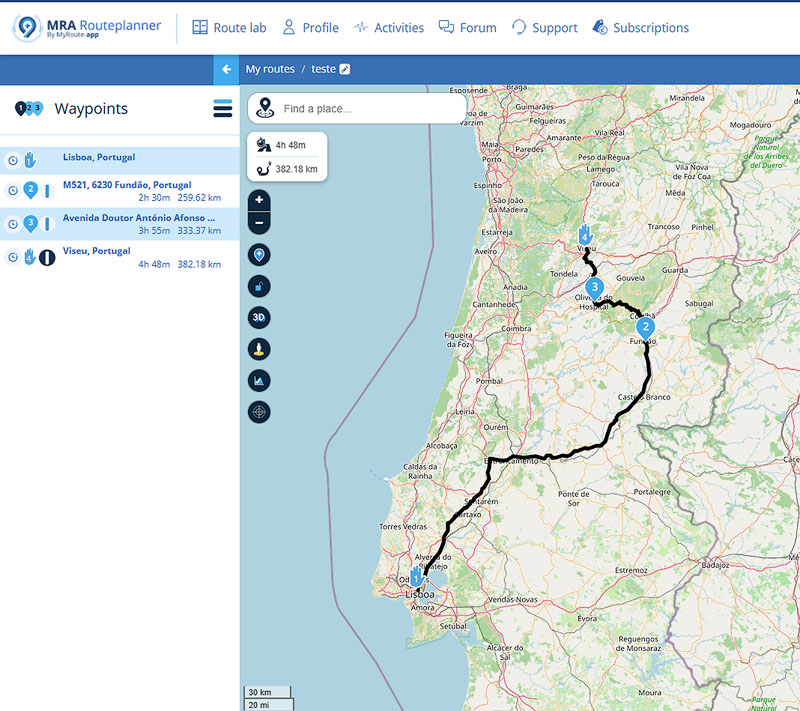
It is therefore a website with a powerful motorcycle route planner that offers planning options with or without waypoints and numerous parameters to choose from, such as avoiding tolls, ferries, cities, highways, main roads, residential areas, and unpaved roads. It can also automatically generate a scenic route within a specific radius around a point (or from A to B), and even shape any route by adjusting the desired level of curves.
It also functions as a community (with a forum) where users can view and share routes.
The website’s features are divided into tiers, with the basic level being free and the remaining ones available through subscription.
There is also a paid navigation app for Android and iOS, offering turn‑by‑turn navigation, offline maps, Android Auto and Apple CarPlay support, among other features.
Given all the functionality it offers, it is undoubtedly the best non‑free option (although basic use is possible without a subscription).
Features
- dedicated motorcycle route planner (scenic and curvy roads) with various options and configurations.
- a complete ecosystem to store routes, access shared routes, and participate in a discussion forum.
- exports to Garmin (gpx/csv), TomTom (itn/ov2), Google Maps/Earth (kml/kmz), Navigon (rte), BMW (tart.gz), CoPilot (trp).
- offers free use (with some limitations) and several subscription plans to access different tiers of functionality.
- paid turn‑by‑turn navigation app for Android and iOS, with Android Auto and Apple CarPlay support, offline maps, and track recording.
Mobile App
MyRouteApp for Android
MyRouteApp for iOS
Kurviger
Another top option for planning motorcycle travel routes.

Developed in Germany (where “Kurviger” can be translated as “Curvy”), it features a planner specialized in motorcycle routes that favors scenic roads (avoiding cities and highways) and allows adjusting the level of curves along the route.
This functionality is fantastic and helps you discover very interesting new routes. Another very practical feature is the ability to create round‑trip routes by defining a distance and optionally a direction.
In addition to the website, there is also a free app (for Android and iOS) that offers the website’s features in a limited form and adds turn‑by‑turn navigation, offline maps, and other features with a subscription.
Although usage is free, some limitations can be removed by subscribing monthly or annually to one of the available feature packages.
Features
- dedicated motorcycle route planner (scenic and curvy roads) with various options and configurations.
- allows creating round‑trip routes based on distance and direction.
- exports to Garmin (gpx), TomTom (itn), Google Maps/Earth (kml), Sygic (html), Navigon (rte), CoPilot (trp).
- offers free use (with some limitations) and several subscription plans to access different tiers of functionality.
- free turn‑by‑turn navigation app (but with limitations, requiring a subscription for full functionality) for Android and iOS, supporting Android Auto, Apple CarPlay, offline maps, and track recording.
Mobile App
Kurviger App for Android
Kurviger App for iOS
Mapy
A route planner and track viewer created and maintained in the Czech Republic, which has been gaining a lot of popularity and shows enormous potential.
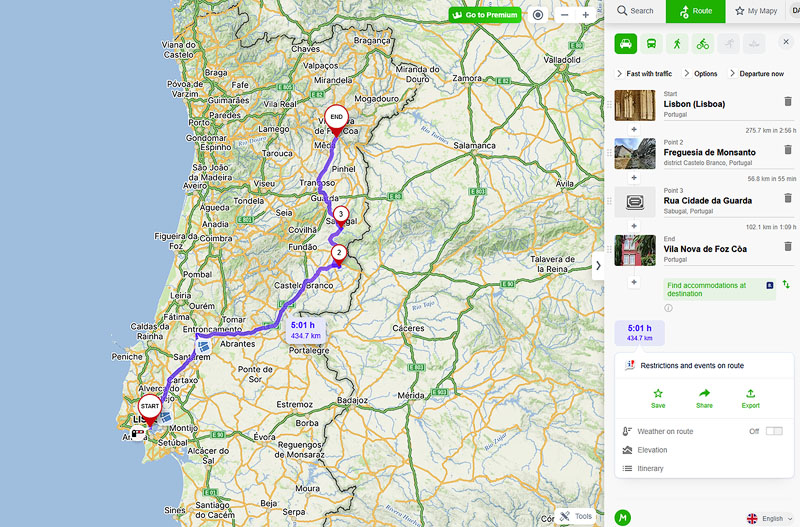
It has a broader scope, offering road navigation (car), public transport, walking and cycling. It is highly informative, allowing you to view GPX tracks and create routes (with or without tolls) including waypoints, while adding information along the way such as weather, elevation and accommodation options at the destination. It provides alternative routes, can identify toll points along the path, and allows attaching photos. It also includes a very useful feature that lets you search around any point on the map for points of interest — tourist spots, accommodation, restaurants, and more.
There is a free mobile app for Android and iOS which, although originally designed for hiking and cycling navigation, has evolved to support turn‑by‑turn navigation (including traffic information for some European countries, though not Portugal).
A premium subscription is available, offering additional features such as offline map support, augmented reality, WearOS and Apple Watch support, among others.
Although Mapy is not specifically oriented toward motorcycle routes, it is currently the free option that offers the most.
Features
- planner for road routes (car and motorcycle), public transport, walking and cycling.
- provides extensive additional information such as weather, elevation, and points of interest.
- exports to Garmin (gpx).
- imports Garmin GPX tracks for viewing.
- a free turn‑by‑turn navigation app (with few limitations, requiring a subscription plan for additional functionality) for Android and iOS, supporting Android Auto, Apple CarPlay, offline maps, and track recording.
Mobile App
Mapy App for Android
Mapy App for iOS
Calimoto
Interestingly, it is also developed in Germany and is dedicated to motorcycling routes, offering a complete planner that, much like MyRouteApp and Kurviger, prioritises curvier routes along scenic roads.
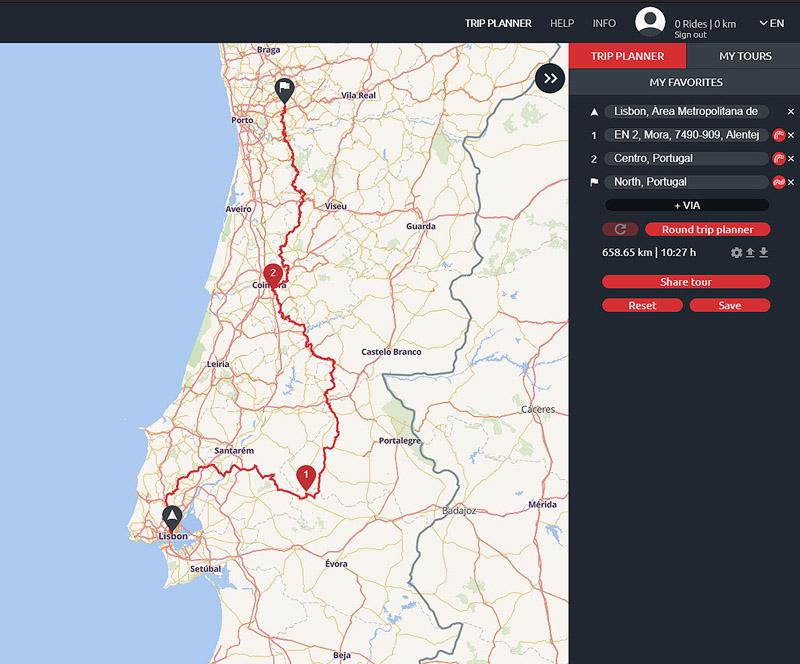
It allows route sharing between friends or publicly on the website.
It also offers an app (Android and iOS) with turn‑by‑turn navigation and tracking, among other features. To access all features of the app and the website, it is necessary to subscribe to a plan.
Features
- motorcycle route planner configurable for scenic and curvy roads.
- exports to Garmin (gpx).
- route sharing between users.
- turn‑by‑turn navigation app for Android and iOS (subscription required for full functionality), supporting Android Auto, Apple CarPlay, offline maps, and track recording.
Mobile App
Calimoto App for Android
Calimoto App for iOS
REVER
Based in the United States, REVER is also dedicated to the world of motorcycle touring. It uses proprietary maps (Butler Maps) enriched with information specifically for motorcycling routes.

The app is available for Android and iOS. It is free but limited, requiring a subscription to access features such as turn‑by‑turn navigation, offline maps, and several other functionalities.
Features
- planner based on proprietary maps for motorcycle travel.
- exports to Garmin (gpx) only with a subscription.
- route sharing between users.
- free but limited turn‑by‑turn navigation app for Android and iOS, requiring a subscription for full functionality.
Mobile App
REVER App for Android
REVER App for iOS
Messages:
Posted on 2022-08-29 by Tiago
Posted on 2022-08-29 by Daniel Santos
Posted on 2024-01-07 by Vitor Andrade
Posted on 2024-01-07 by Daniel Santos.
Leave a message